|
Help Using Baseball ScoreBook Palm Companion V1.0 |
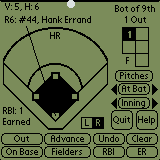
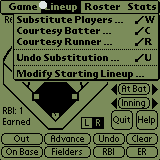 Simply tap the top of your screen to access the menu Or, tap the palm menu icon :  From the menu, substitute players, modify the starting lineup, add players to the roster, or get complete batting, fielding, and pitching stats in real-time. |
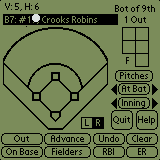
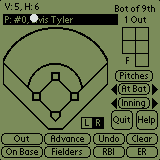

Tap the batter's name to view all of the defensive players (1-10). |
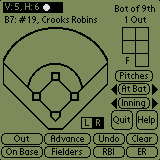
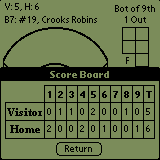
Tap the current score in the top left corner to view the score by inning. |
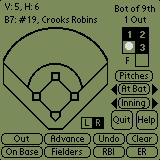
Tap the strike and ball boxes to record strikes and balls. Tap the 2nd strike box on a batter with 2 strikes to record a strikeout and tap the 3rd ball box on a batter with 3 balls to record a base on balls. |


Tap the bases (1st - home) to record a single, double, triple, or home run. For other on base options, tap the 'On Base' button. |
|
Downloading Game and Team Data from your Palm. After scoring your game or modifying a team on your Palm, you must perform a HotSync before this data is available on your PC. After performing the HotSync, simply Run Baseball ScoreBook on your PC and select 'Palm Utilities>Import>Game From Palm …' or 'Team From Palm …'. After making your selection, ScoreBook lists all of the Palm Database files that have been HotSynced for you. |
|
Accessing Help Some of the ScoreBook Companion forms contain an 'i' icon in the top-right hand corner of the form. Selecting this icon will bring up Help for the selected form. For example, selecting the 'i' icon on the OnBase form brings up the following text : " To Use Tie Breaker Rule:- Advance At Bats until last batterfrom previous inning appears- Select On Base- Select 2nd, Tie Breaker" |